Technology should make working with your lab easier. Our digital solutions connect your practice with the tools, workflows, and specialized services designed to simplify case management, streamline digital submissions, and expand what’s possible for your practice. Powered by EasyRx EasyRx serves as the central hub for all digital case submissions to Perfect Finish. This secure, cloud-based, HIPAA-compliant platform functions as our digital lab slip, bringing prescriptions, scans, photos, diagrams, and case instructions together in one place. One Workflow. Any Scanner EasyRx integrates with major intraoral scanners and provides one consistent way to submit digital cases—regardless of the scanner your practice uses. With EasyRx, you can: 1 Complete our New Account Form and select EasyRx access within the form. We’ll send you an invitation to get connected for digital submissions. 2 Already have a Perfect Finish lab account? Request EasyRx access and we’ll send you an invitation to begin submitting digital cases. 3 Already have an EasyRx account? Search Perfect Finish Ortho Lab (NJ) in EasyRx to connect your account and begin submitting cases to our lab. Track. Manage. Access The Perfect Finish Customer Portal provides convenient access to your lab account and case information for both traditional and digital cases. Use the Customer Portal to: Digital cases are initially submitted and managed through EasyRx. Once your case is checked into our lab system, applicable case status information becomes available through the Customer Portal. You will need your 6-character Customer ID (ex. ABC123) and Password to log in. Hub Insurance Other Companies Digital Cases + EasyRx For help with digital submissions, scans, or EasyRx, contact our Digital Department at 973-527-7844 Ext. 22. Scanner Integration Need help connecting your scanner to EasyRx? Contact Caroline in our Digital Department 973-527-7844 ext. 22 or reach out directly to EasyRx Support 1-888-340-3751. Customer Portal Need your login information or help accessing the Customer Portal? Call our Main Office 973-527-7844 and our admin team will be happy to assist. 
Digital Access. Digital Solutions.
Digital Case Submission






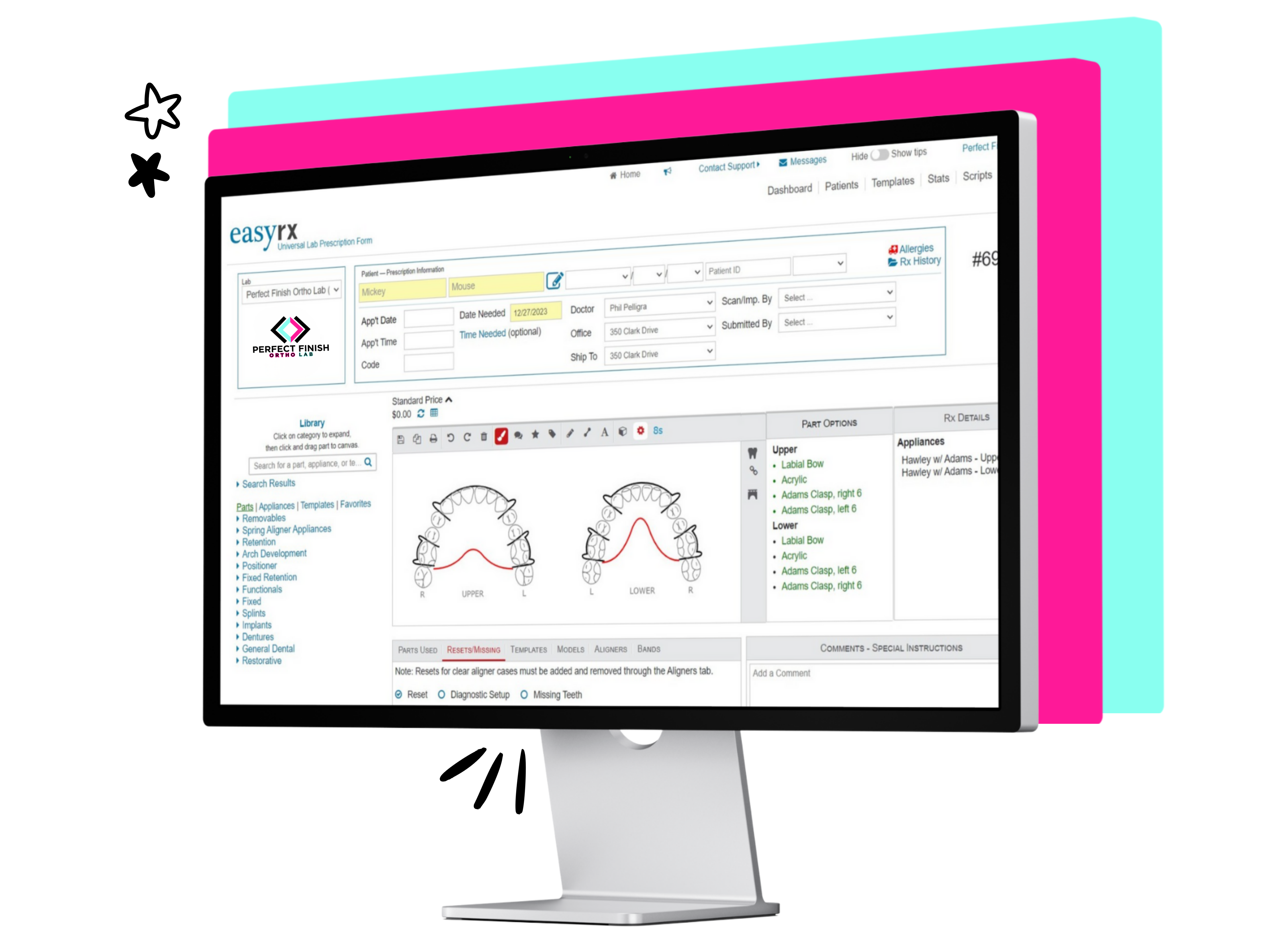
Get Connected with EasyRx in 3 Easy Ways
New to Perfect Finish?
Current Client + Need EasyRx?
Already Have EasyRx?
We Cover the Cost to Submit to Our Lab through EasyRx
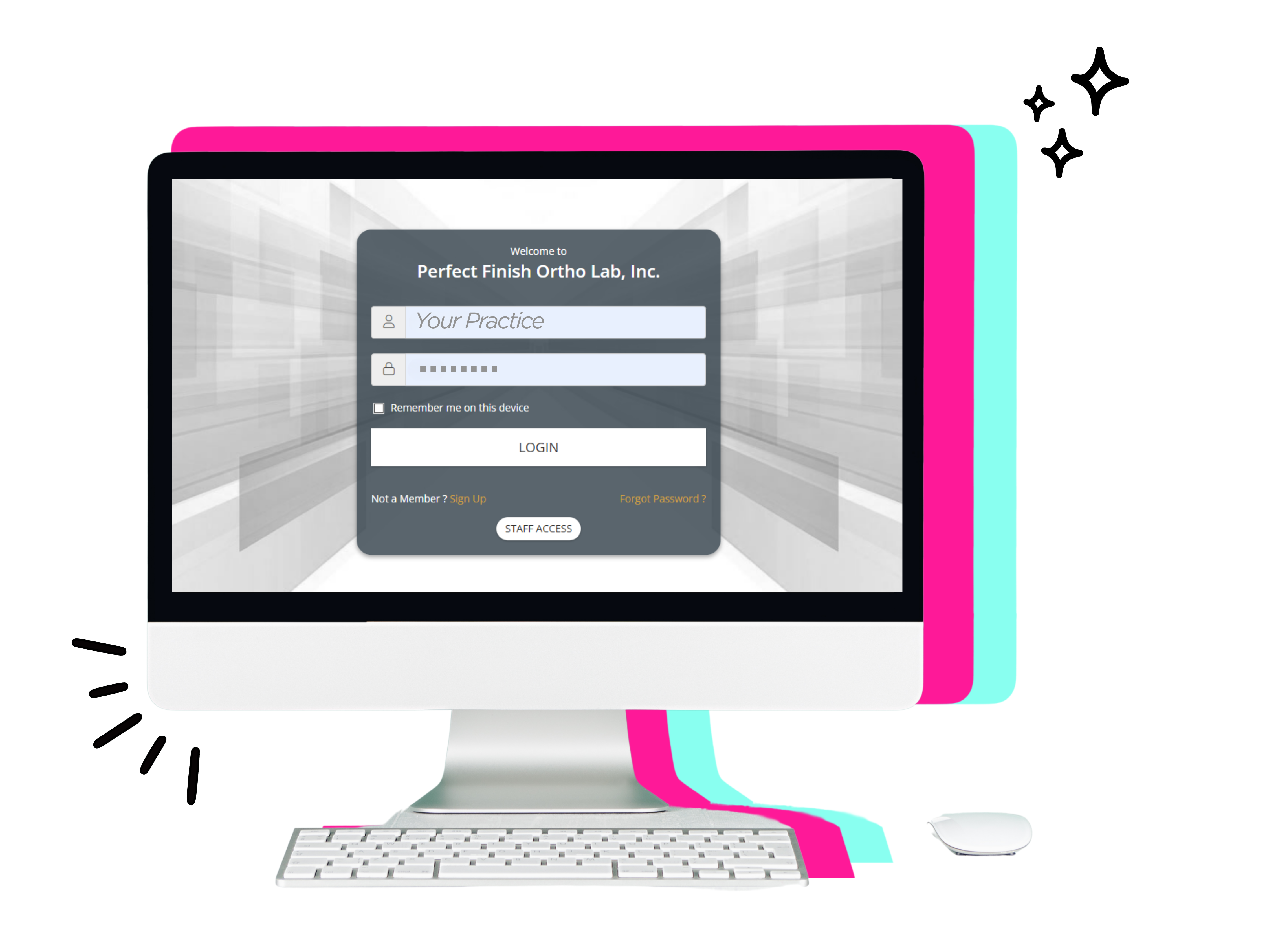
Customer Portal
Which Tool Do I Use?
Submit a digital case
EasyRx
Customer Portal
Upload scans + Complete Rx
Check case status*
Track a Shipment
Pay/View Invoices
Update Account Info
Request Supplies
Injuries or Vehicle Damages
Full Health Care Package
Annual Bonus and Extras
Auto-Renewal
Responsible Driver Discount
Full Health Care Package
Injuries or Vehicle Damages
Full Health Care Package
Annual Bonus and Extras
Auto-Renewal
Responsible Driver Discount
Request supplies
Still Have Questions?


This website uses cookies to improve your web experience.